
Photos play an immense role in today’s digital world. Ever wondered what if your photos get corrupted or damaged without any prior warning? Whether the corruption arises due to broken headers, unreadable thumbnails, or any other reason, it can be distressing and sometimes put you in trouble. Fortunately, several photo repair methods and third-party software tools are available online that you can use to repair your corrupted or damaged photos.
Manual methods take time and may fail to provide you with the expected result, so it’s better to repair photos using third-party tools. Choosing the right photo repair tool, however, can be a challenging task. To make things easier, this article highlights the top 5 best photo repair software for Windows PC, along with their key features. Compare these tools and pick the one that best meets your needs. Let’s begin!
Common Features to Check in Photo Repair Software
While choosing your photo repair software, it’s important to check certain features to ensure effective, safe, and hassle-free recovery. For this, you can consider the following features:
- Compatibility with Different OS: Make sure your photo repair software supports both Windows and macOS, along with their latest versions.
- Ease of Use: Several photo repair software tools available online offer a simple and intuitive interface for smooth navigation.
- Support for Multiple Image Formats: Check all the file formats your photo repair software supports. It must work well with common formats like JPEG, PNG, TIFF, and RAW files.
- Secure & Read-Only Repair: Ensures the original corrupted file is not altered during the repair process.
- Preview Before Saving: Your photo repair software must let you preview the repaired photos before saving them on your device.
- Batch Repair Capability: It’s better if your tool supports repairing multiple corrupted photos at once, saving time and effort.
Top 5 Best Photo Repair Software to Try on Windows
Here’s a quick overview of the best 5 photo repair software tools available for Windows, helping you fix corrupted or damaged images with ease.
1. Stellar Repair for Photo
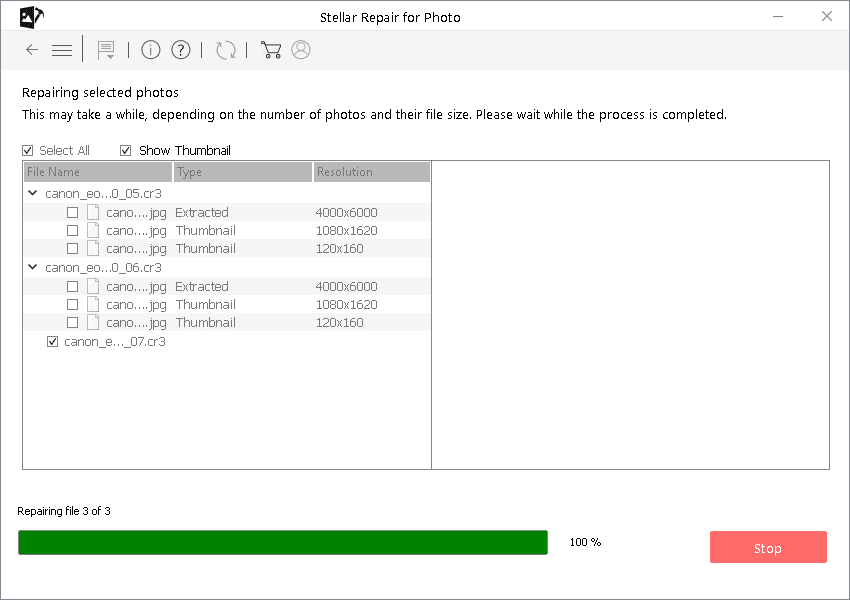
Stellar Repair for Photo is an all-in-one photo repair software which supports repairing corrupted, distorted, or unreadable images in a few simple clicks. The software offers a simple and intuitive interface, which makes it easy even for beginners to repair issues such as broken headers, pixelation, greyed-out images, and invalid file structures.
The versatile Stellar Repair for Photo tool can easily repair photos of different file formats like JPEG, TIFF, and various RAW types from leading camera brands. With fast processing, clean previews, and consistent repair success, this tool stands out as a dependable solution for photo restoration.
Key Features:
- Supports repairing of corrupt photos stored on SD cards, USB drives, hard disks, and other devices.
- It provides an easy-to-use interface suitable for both beginners and professionals.
- The Batch repair feature of this software helps to process and fix multiple damaged photos at once.
- Maintains original photo quality and metadata through a secure, read-only repair process
- The Stellar Repair for Photo software is available in multiple versions, varying in features and prices.
- This tool is compatible with the latest Windows versions for smooth performance.
2. Wondershare Repairit (Photo Repair)
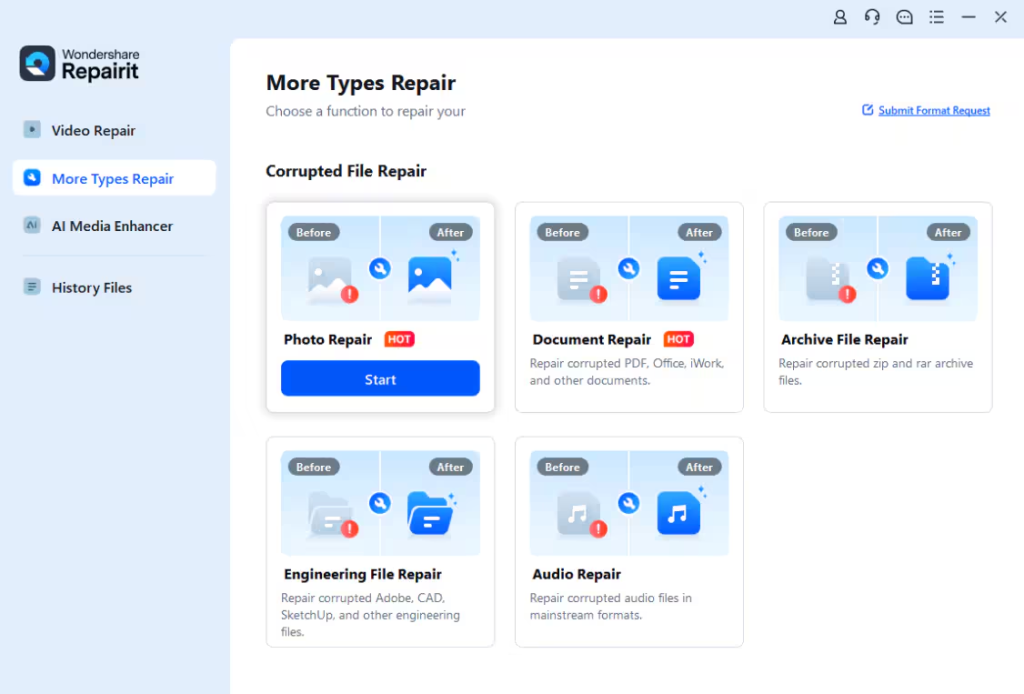
Repairit is our next widely recommended tool for repairing corrupted JPEGs and many RAW formats. Its clean interface and fast processing make it ideal for both beginners as well as professionals who want a hassle-free repair experience. The software can easily repair photos damaged due to issues like missing image data, pixelation, grey areas, and invalid file structures.
Key Features:
- The Advanced Repair feature of Wondershare Repairit software helps you restore severely corrupted images using a sample file.
- The preview option lets you preview the repaired photos before saving them on your device, ensuring the final output meets your quality expectations.
- The software is known for its user-friendly interface, which makes it easy to use even for beginners with no technical knowledge or repair experience.
- It works seamlessly with different storage devices, including SD cards, USB drives, and hard disks.
3. EaseUS Fixo Photo Repair
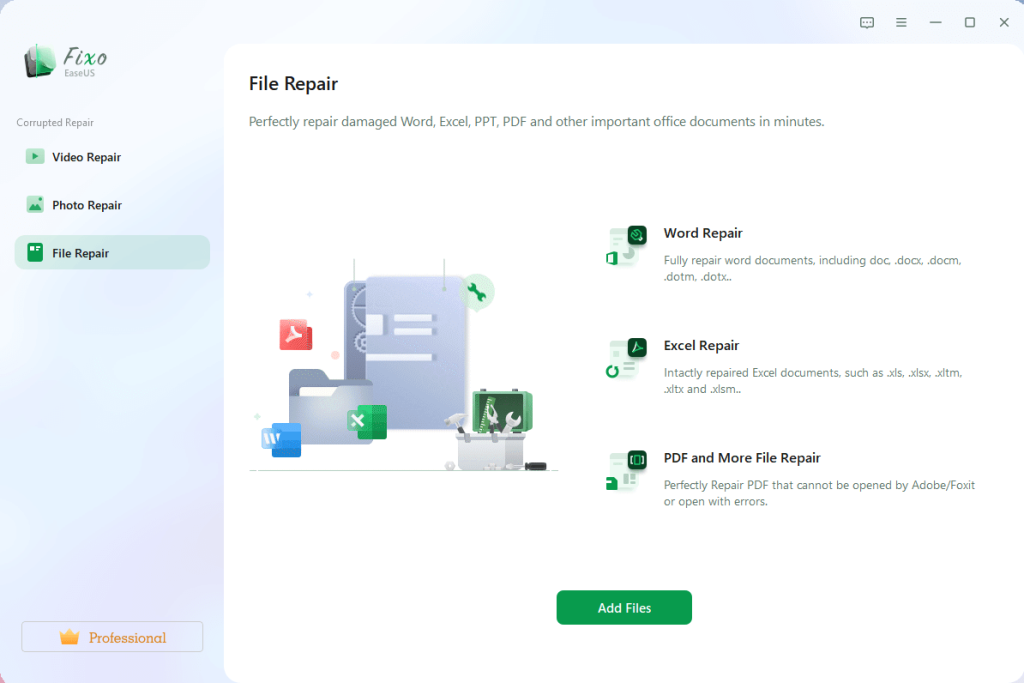
EaseUS Fixo Photo Repair is a versatile tool that can help you easily repair photos corrupted or damaged due to blurriness, pixelation, graininess, or overexposure. The software supports multiple image file formats, including JPEG, PNG, TIFF, GIF and many RAW formats (CR2, NEF, ARW, etc.) from popular cameras. Its intuitive, step-by-step interface and batch-repair capability let you fix many photos at once.
Key Features:
- Its strong repair engine boosts the chances of recovering usable photos compared to many basic tools.
- Supports repairing of damaged photos stored on different storage devices, including SD cards, USB drives, external disks, cameras, phones, etc.
- The repair process is very easy, allowing you to repair photos in three simple steps (i.e., add → repair → preview & save).
- Keeps the original corrupted files untouched; repair works on copies to prevent accidental data loss.
4. Tenorshare 4DDiG Photo Repair
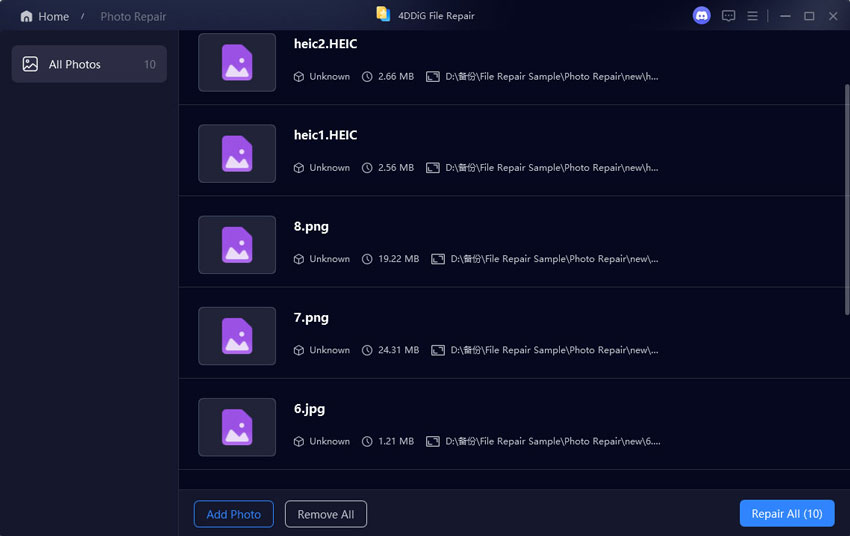
Tenorshare’s 4DDiG photo repair software not only fixes minor corruption issues on your photos but also enhances image clarity, reduces noise, and potentially restores old or partially damaged photos. The software supports repairing of different image file formats, covering common formats (JPEG, PNG) as well as many RAW formats. With a clean interface and batch repair support, 4DDiG 4DDiG makes photo restoration effortless for users of all skill levels.
Key Features:
- AI-driven repair engine automatically fixes corrupted, blurry, pixelated, and unreadable photos with improved clarity and structural accuracy.
- Works seamlessly with photos stored on different storage devices, including SD cards, USB drives, cameras, computers, and external drives.
- The user-friendly interface of this software ensures smooth operation, even for beginners.
5. Kernel Photo Repair
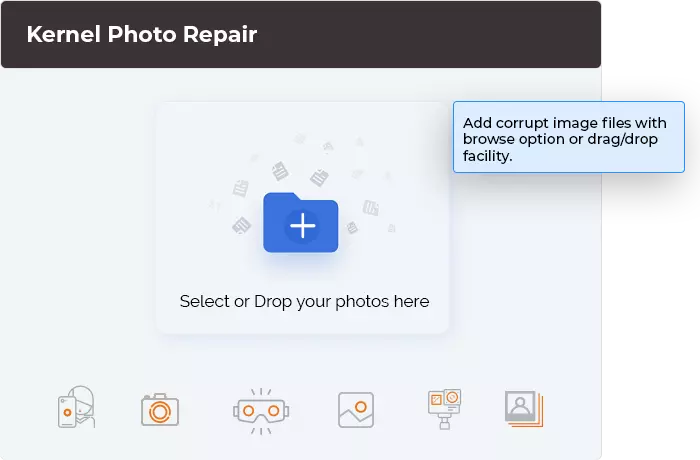
Kernel Photo Repair is a reliable and user-friendly photo repair software designed to fix photos corrupted, damaged, or distorted due to faulty storage devices, abrupt system shutdowns, transfer errors, or file header corruption. This tool also supports batch processing, allowing you to fix multiple images in one go. The software is compatible with different photo file formats like JPEG, JPG, PNG, BMP, and TIFF.
Key Features:
- It is known for a simple and intuitive interface designed for beginners, enabling quick navigation and easy repair.
- The Preview feature of this software lets you preview the repaired files before saving them on your device.
- This tool preserves original image quality by restoring photos without compressing or altering essential details.
Quick Comparison: Top 5 Best Photo Repair Software for Windows PC
Here’s a quick comparison of the above-mentioned best 5 photo repair software for Windows PC, highlighting key features and user ratings:
| Tool | Rating* | Key Strength / Feature |
| Stellar Repair for Photo | ⭐ 4.8/5 | Strong JPEG/RAW repair, batch mode, preview before saving |
| Wondershare Repairit (Photo Repair) | ⭐ 4.6/5 | Easy UI, quick repair for corrupted photos, supports JPEG/RAW/PNG |
| EaseUS Fixo Photo Repair | ⭐ 4.4/5 | Fast photo repair, supports multiple formats (JPEG/RAW/PNG), batch processing |
| Tenorshare 4DDiG Photo Repair | ⭐ 4.3/5 | AI‑powered repair, wide format support, and fixes severe corruption issues |
| Kernel Photo Repair | ⭐ 4.2/5 | Simple interface, basic image repair for common formats (JPEG/PNG/BMP/RAW) |
* Rating is approximate, from public reviews/vendor claims.
Wrapping Up
Photo corruption can be distressing, but the aforementioned top 5 best photo repair software for Windows PC can help you fix corruption in a few simple clicks. Irrespective of the reasons for your photo corruption, these tools help you repair damaged photos easily and effectively. Just check the features of these tools and try their free versions (if available) before directly going to the premium versions. Moreover, you can consider preventive measures like maintaining regular backups, avoiding sudden power loss, and using reliable storage to fix such corruption issues in the future.